After finishing the web mirror version, the first issue I hit was not “the model isn’t strong enough,” but something much more practical: Every time I closed the page and came back later, the chat history was gone.
That felt very disconnected. AI chat is supposed to be a “continuous conversation” tool, but temporary web sessions always made it feel disposable. So I had one clear thought: I want to turn it into a mobile app—something I can open anytime, use anytime, and continue right where I left off.
Here’s the conclusion first: this project was not a long-term polished product, but a demo completed in two days. But those two days were solid—one day to build the main flow, one day focused entirely on fixing bugs.
As I built it, another thought came up: since I’m already doing this, why not make a version that family and friends can use directly too? Especially older adults—they actually need an AI assistant with a low barrier and instant usability.
So in this project, many design choices were never about “showy features” from day one; they were about “actually usable”:
- Larger default font for clearer reading
- Voice input to reduce typing
- Voice playback to reduce screen strain
- Plain Chinese expression as much as possible, avoiding technical jargon
That’s how Aura started.
 Figure 1: Aura splash screen. Not about making a “nice skin,” but about giving the product a recognizable, sustainable entry point from the very beginning.
Not “I write code,” but “I orchestrate an AI team”
This time I used a typical vibe coding workflow, but not a one-prompt-to-the-end approach. It was role-based collaboration:
- Gemini: early requirement sorting, phase breakdown, structured outlines and prompts
- Antigravity: main code output by module
- Android Studio (with Gemini): project integration, dependency and Gradle configuration fixes
- Claude: firefighting bug fixes, especially messy “the more you fix, the messier it gets” issues
- Me: architecture trade-offs, integration acceptance, feature priority decisions
I have to say one very real thing: For some issues, if I let Gemini keep fixing continuously, it did drift off course. But once Claude took over, many bugs were fixed and runnable right away. This is not about who is absolutely stronger. My experience this time was clear: multi-model collaboration is much more reliable than forcing a single model to do everything.
Completed in Two Days: One Day Development, One Day Mine Clearing
This project was not done in a single sprint day, but in two days:
- Day 1: rapid feature shaping
- Day 2: focused release build debugging and stability fixes
On day one, I mainly got the main trunk connected: Native Android (Kotlin + Compose) frontend + Cloudflare Worker + D1 backend gateway, ensuring activation, authentication, and conversation flow all worked.
Day two was basically the classic Android storyline: Debug works, Release breaks. Including startup resource issues caused by resource shrinking, serialization/type issues triggered by obfuscation, and leftover early hardcoded Manifest values.
The final principle was simple: stability first, size second, “theoretical optimum” later. A stably delivered demo matters more than prettier parameters.
Why I Shifted from Web to App
The starting point was actually simple: I needed an AI assistant “with memory,” not something that resets every time I reopen it. The meaning of an app is not to move a webpage into a phone, but to make “continuous use” complete.
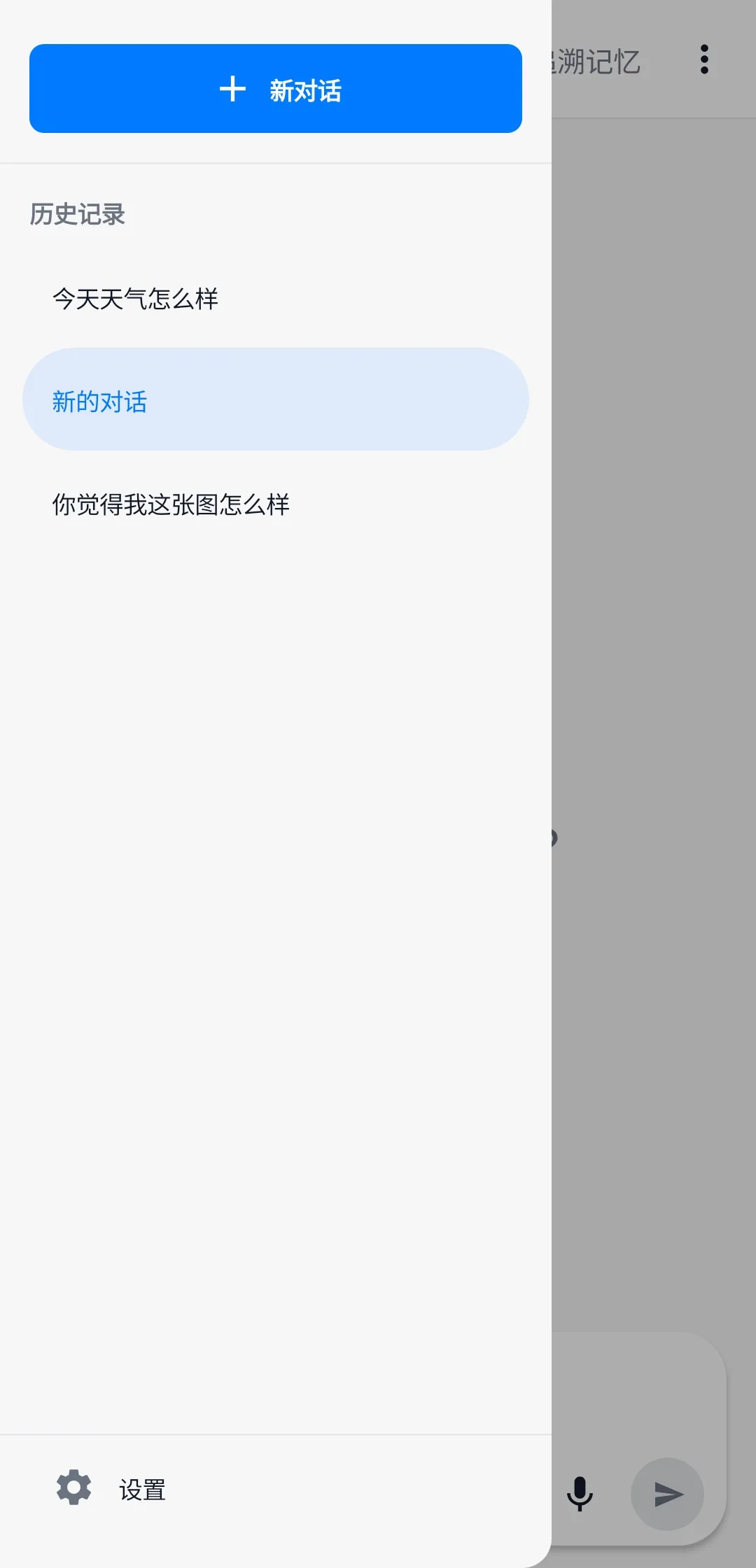 Figure 2: History screen. For me, this image explains better than any feature list why an app was necessary.
Senior-Friendly Is Not an Add-on, but the Main Path
Many AI products assume users are young: fast typists, familiar with English terms, willing to tinker. But among the people I actually want to serve, many do not fit that profile.
So this time I cared more about:
- Whether interactions are intuitive
- Whether copy is easy to understand
- Whether features reduce operational burden
For example, voice input and voice playback are optional for younger users, but for some older adults they are core capabilities. If an AI assistant can only be used smoothly by technical users, its value is naturally limited.
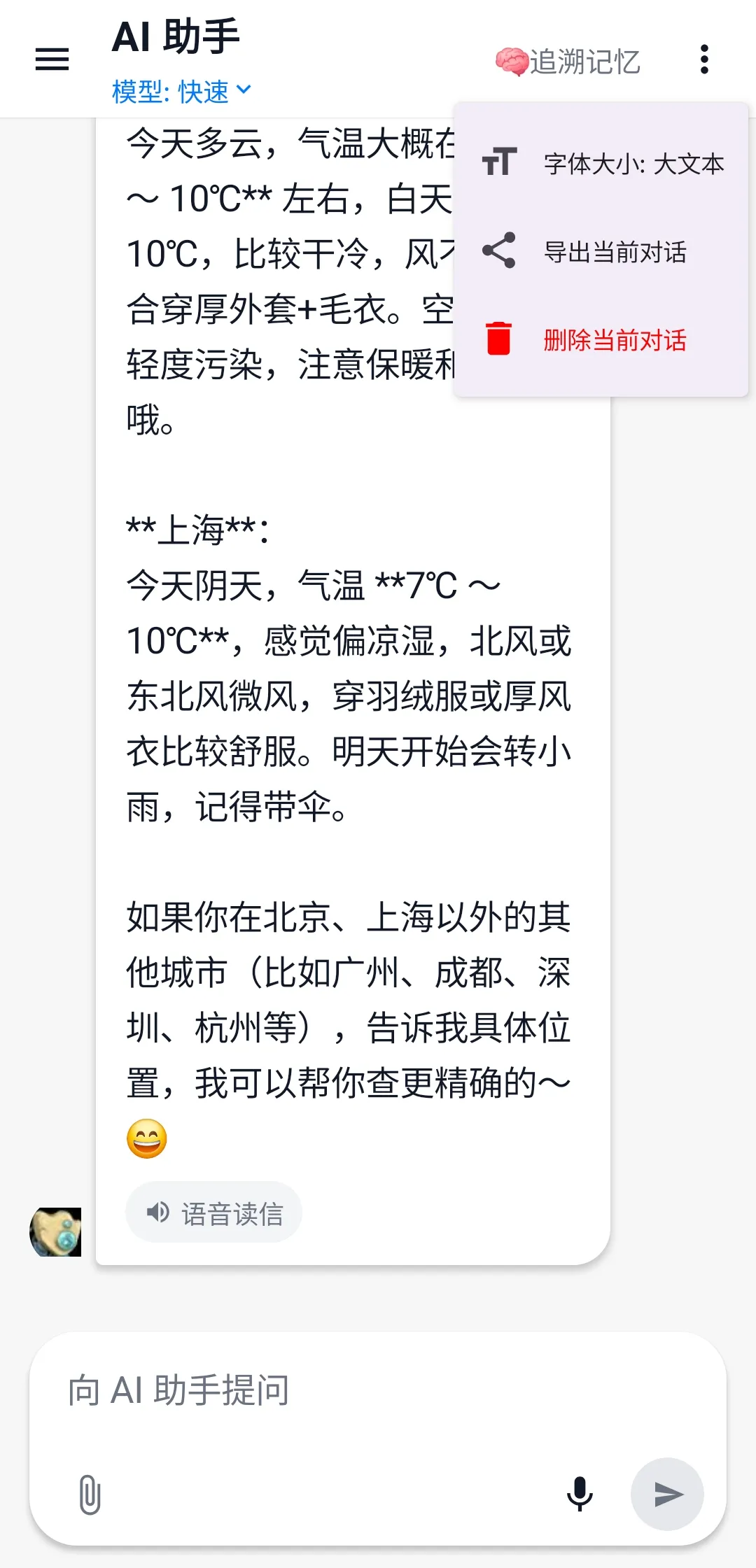 Figure 3: Large-font chat screen. Senior accessibility is not a patch added later, but a capability written into product constraints from the start.
What This Practice Actually Validated
At this point, the demo has achieved its goal: It validated the idea, and also validated that the vibe coding path works in real projects.
It is not a “plan to finish in the future,” but an already completed experimental result:
- The idea can be implemented
- Multi-AI collaboration is executable
- A two-day cycle can produce a usable, shareable Android AI assistant
One Final Reflection
In the past, I always felt I had to wait until “everything is ready” before starting a project. This time I did the opposite: start first, then let the system grow through practice.
You realize that in the AI era, the scarcest resource is not coding output, but whether you can define the problem clearly, set up the collaboration flow, and make decisive trade-offs. When you truly put an idea into your phone, use it every day yourself, and let family and friends use it directly too—that moment is more convincing than any technical buzzword.
#vibe-coding #android #aura-app #age-friendly-AI